Authorized Dealer
Keep your important videos, photos, and other large files close at hand with the MiniPro RAID V4 10TB 2-Bay USB-C 3.2 Gen 2 Portable Hard Drive and RAID Array from Oyen Digital. Inside the compact aluminum enclosure are…
Product highlights and buying context
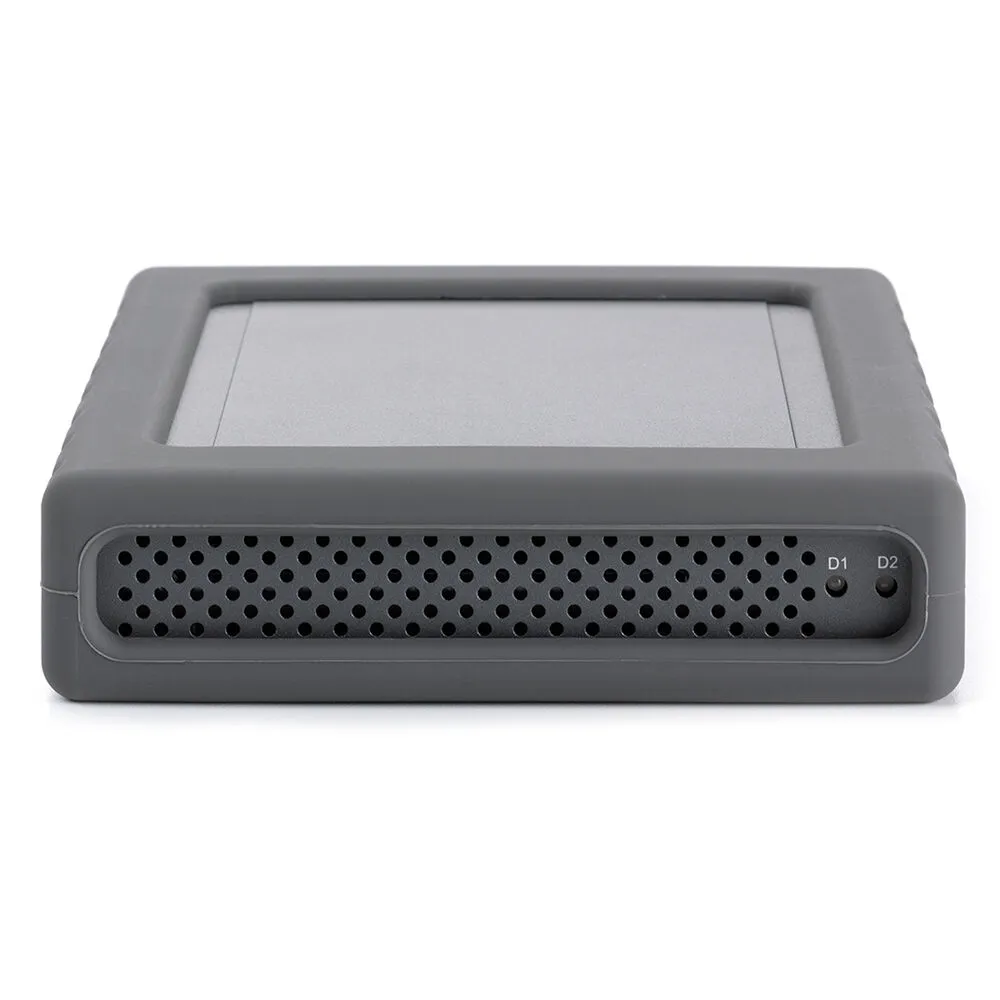
Keep your important videos, photos, and other large files close at hand with the MiniPro RAID V4 10TB 2-Bay USB-C 3.2 Gen 2 Portable Hard Drive and RAID Array from Oyen Digital. Inside the compact aluminum enclosure are two 5TB 2.5" 5400 hard drives, giving you 10TB of total storage that you can configure for RAID 0, 1, or JBOD modes. No additional software is required. Simply set the rear DIP switches for your desired mode, then format the drives on your computer.
The MiniPro RAID V4 connects to USB 3.2 Gen 2 compatible computers using its included cables, offering exceptionally fast performance while the silicone sleeve helps to protect it from impacts. No drivers are required for Windows, Mac, and Linux systems. Its rear panel also includes a convenient USB Hub, comprised of one 10 Gb/s USB-C 3.2 Gen 2 port and a 5 Gb/s USB-A 3.2 Gen 1 port, which allows you to connect peripherals and daisy chain additional MiniPro RAID V4 enclosures. The installed drives are preformatted for exFAT for Windows and Mac and are set for JBOD mode, where the drives are recognized separately. You can power through the USB-C host port or use the included power adapter. USB-C and USB-A cables are included.
USB 3.2 Gen 2
Doubling the speed of its predecessor, USB 3.2 Gen 2 features a maximum throughput of 10 Gb/s when used with compatible devices.
RAID 0 (Striping) combines data evenly across both drives simultaneously, dramatically increasing performance. RAID 0 will be viewed as one single storage unit. If one disk in the RAID system fails, all data stored on the installed disks will be lost.
RAID 1 (Mirroring) consists of two drives storing duplicate copies of the same data. In this mode, the data is simultaneously written to both drives. The speed of operation is slow in comparison to RAID 0, but if one drive fails, no data is lost. Simply replace the failed drive. The total capacity is equal to one drive. For example, if installing 2 x 1TB drives, the total capacity will be 1TB.
JBOD (Clear) is simply a collection of drives that are recognized as separate drives by the OS. JBOD provides no performance increase or redundancy. This is the default setting.
Additional Details
Loading…
