Authorized Dealer
Control your Q Pro or Q Pro Elite interactive display using natural voice control with the AI Remote Control with Voice Assistant from Newline. This powerful remote can operate your display using standard buttons, or…
Product highlights and buying context
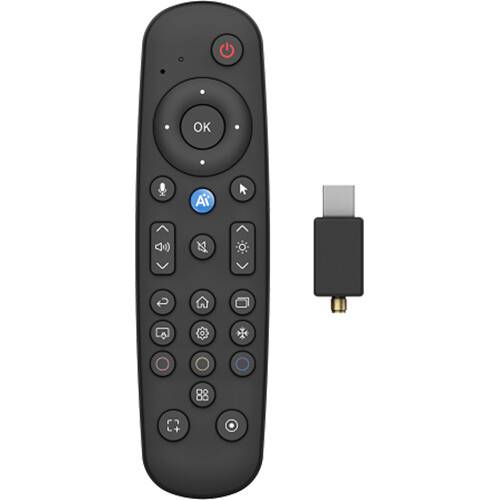
Control your Q Pro or Q Pro Elite interactive display using natural voice control with the AI Remote Control with Voice Assistant from Newline. This powerful remote can operate your display using standard buttons, or you can simply speak to control the display. The remote connects via Bluetooth using the included USB-A dongle when it's connected to your display. An antenna is included to connect to the dongle for an enhanced signal.
Collaboration tools are always within reach without touching your display when using the AI Remote. Voice controls include: launch the whiteboard, annotate content, capture screenshots, scroll, select, and manage content.
You can navigate the built-in browser, open web resources, and control essential display functions just by using your voice.
The built-in Voice Assistant understands natural, conversational commands, so you don't have to memorize phrases or navigate complex menus.
Simply speak to open apps, launch tools, or control on-screen actions in real time.
Whether at the front of the room, among students, or across the conference table, you can stay fully in control of your interactive whiteboard.
Manual mode is still available. The remote has three customizable buttons that users can set up to launch their favorite apps with just one button press, rather than digging through menus.
Additional Details
Loading…
