
Authorized Dealer
Enhance your workflow with the space gray Logitech MX Keys S Wireless Keyboard for Mac. Featuring laptop-like spherically-dished keys in a Mac layout, this wireless low-profile keyboard is designed to deliver fast,…
Product highlights and buying context
Enhance your workflow with the space gray Logitech MX Keys S Wireless Keyboard for Mac. Featuring laptop-like spherically-dished keys in a Mac layout, this wireless low-profile keyboard is designed to deliver fast, precise, and quiet typing experiences. Additionally, its Smart Illumination backlighting adapts to your environment and automatically turns on as your hands approach. Pair the MX Keys S for Mac with up to three Bluetooth compatible macOS and iPadOS devices. Then optimize your experience with the Logi Options+ software to add shortcuts, adjust the backlighting preferences, and smoothly transfer text and files between devices.
On a normal use basis, the MX Keys for Mac can last up to 10 days; however, with backlight off, it's rated to last up to 5 months. Please note that actual battery life will depend on usage.
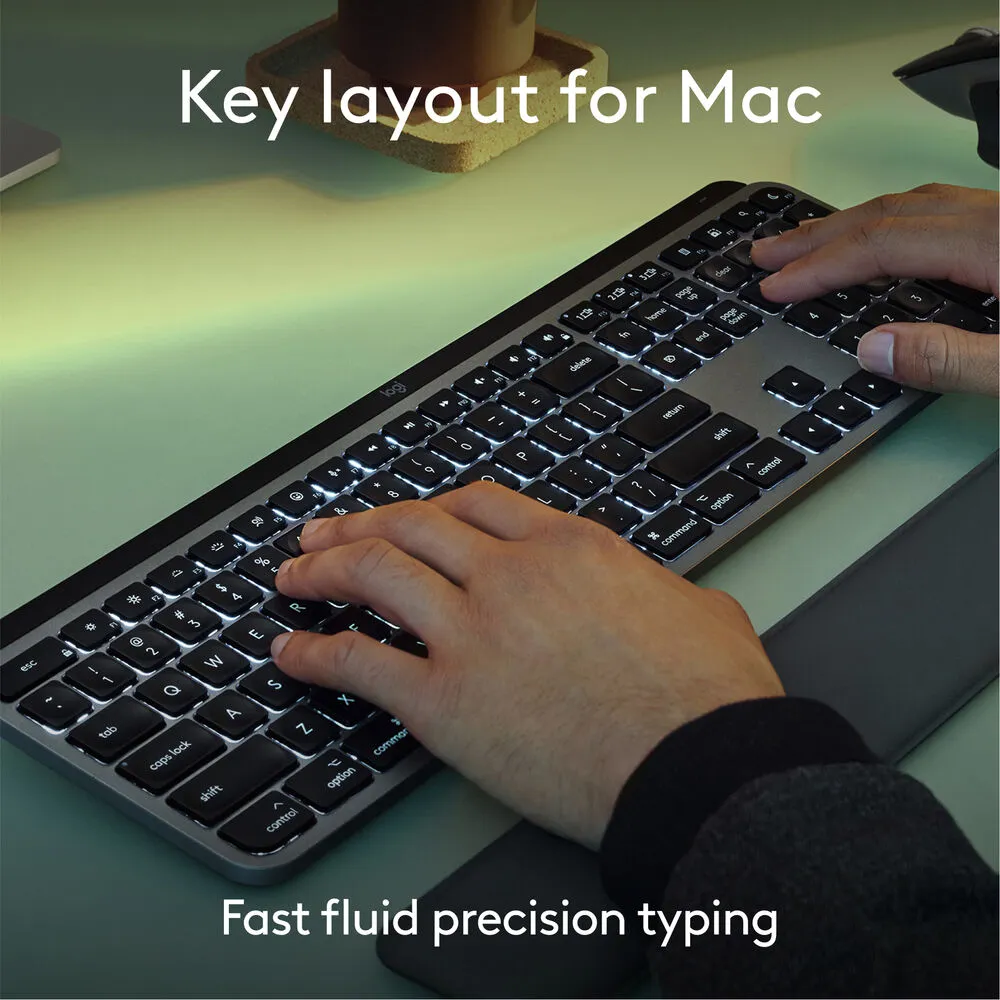
With its space gray color and Mac key layout, the MX Keys S for Mac wireless keyboard is designed to enhance productivity on macOS and iPadOS devices.
Smart Illumination enables this keyboard's backlight to automatically turn on once your hands are near. It can also automatically adjust brightness to fit your ambient lighting conditions.
The spherically-dished keys are shaped to your fingertips to deliver a fast, fluid, precise, and quiet typing experience.
Users can pair this keyboard with up to three devices via Bluetooth.
The low-profile design and an optimum keyboard angle provide better wrist posture, allowing you to comfortably work for long periods of time.
The built-in battery is rated for up to 10 days of use or up to 5 months with backlighting off. When power is low, plug in the included USB-A to USB-C cable to your system to recharge it.
With Bluetooth connectivity, the MX Keys S for Mac Wireless Keyboard works with macOS and iPadOS devices.
Customize your keyboard to fit your needs by configuring Smart Action shortcuts to multiple actions with a single keystroke. Use the predefined settings or define your own for the apps you often use.
Use the Options+ Flow feature to transfer text, images, and files between computers by simply copying on one and pasting to the other. You can even use Flow between Windows and macOS computers.
Get full, always-on control of device status. Stay informed on low battery levels, get notifications if Caps Lock is on, and check which computers are paired with your keyboard.
Additional Details
Loading…
