
Authorized Dealer
Catch every detail as you take on the competition, race down narrow paths, and explore vast open worlds with the 27" LG UltraGear 1440p HDR 200 Hz Gaming Monitor. Featuring a 180 Hz refresh rate that can be overclocked…
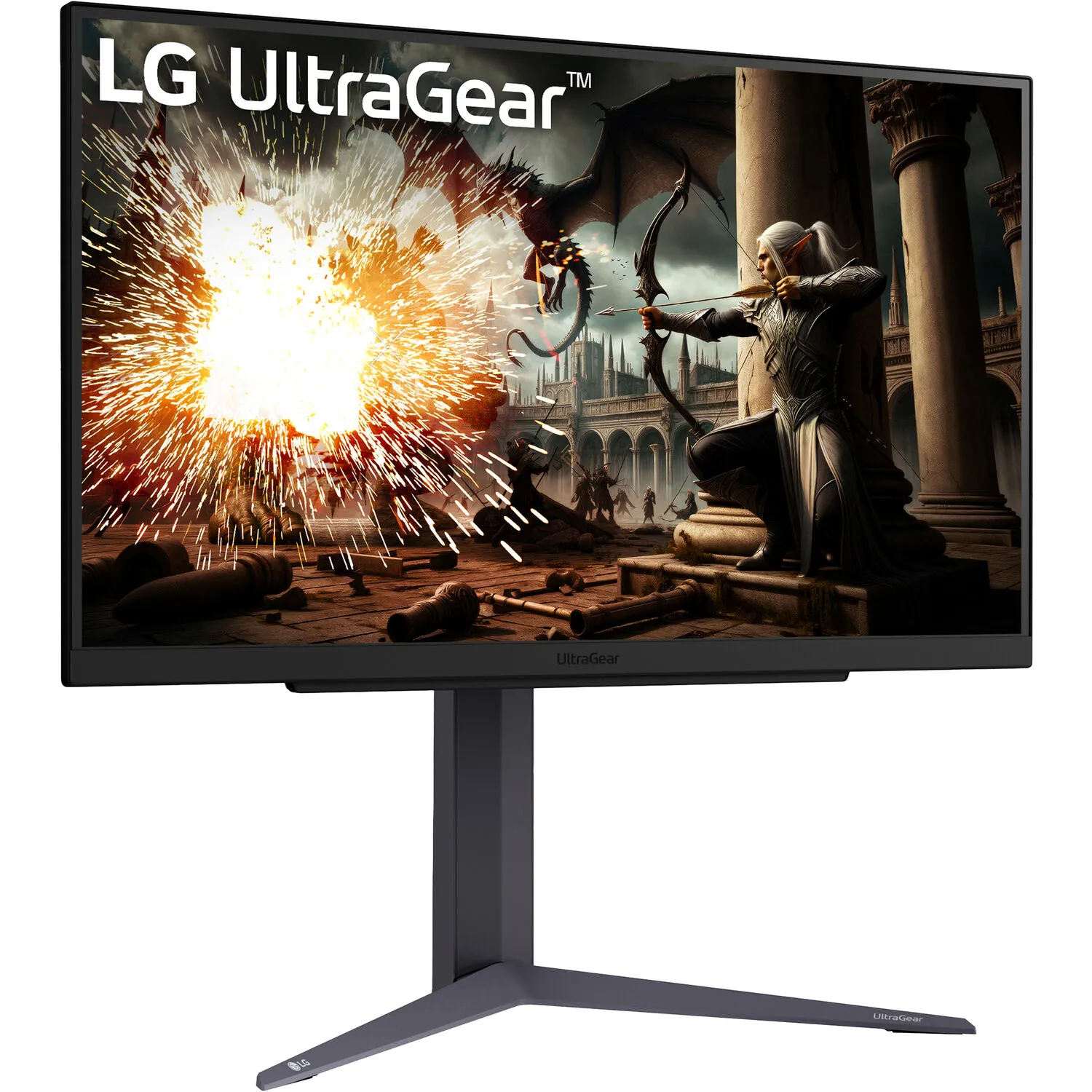
Product highlights and buying context
Catch every detail as you take on the competition, race down narrow paths, and explore vast open worlds with the 27" LG UltraGear 1440p HDR 200 Hz Gaming Monitor. Featuring a 180 Hz refresh rate that can be overclocked to 200 Hz through the DisplayPort connector, this 2560 x 1440 resolution QHD display delivers liquid-smooth visuals during fast-paced scenes.
High-dynamic range support delivers sharp contrast for lifelike videos, games, and photos. Advanced gaming features give you a competitive edge.
With a 180 Hz refresh rate and 1 ms response time, this monitor delivers silky smooth graphics and high responsiveness by reducing motion blur. You can overclock the refresh rate to 200 Hz by connecting your compatible device through the DisplayPort input.
The 27" IPS panel supports 16.7 million colors, covering 99% of the sRGB gamut, providing lifelike photos, videos, and games. HDR10 support enhances images with bright highlights and deep shadows. Other features include a 1000:1 static contrast ratio and 300 nit max brightness.
AND FreeSync technology and NVIDIA G-Sync compatibility enables the monitor to dynamically adjust its refresh rate to the frame rate being output by compatible graphics cards, greatly reducing screen tearing, stuttering, and other artifacts.
Switch between the Gamer, FPS, and RTS presets to optimize the colors and brightness for each game.
This monitor includes two HDMI 2.1 ports alongside a DisplayPort 1.4 input. Plug a pair of headphones into the 3.5mm jack for listening privacy.
Respond to action as it happens with reduced input lag.
Spot foes in dark scenes.
Your frames per second displayed for real-time data.
Center-display crosshairs give enhanced vision and precision for accuracy.
Rotate the screen to view documents in portrait mode. Then adjust screen's height and tilt to fit your comfort. You can also use the 100 x 100mm VESA mounting pattern to attach the display to a wall, swivel arm, or multi-monitor stand. The 178° viewing angles allow you to clearly see the screen from almost any position.
Additional Details
Loading…
