Authorized Dealer
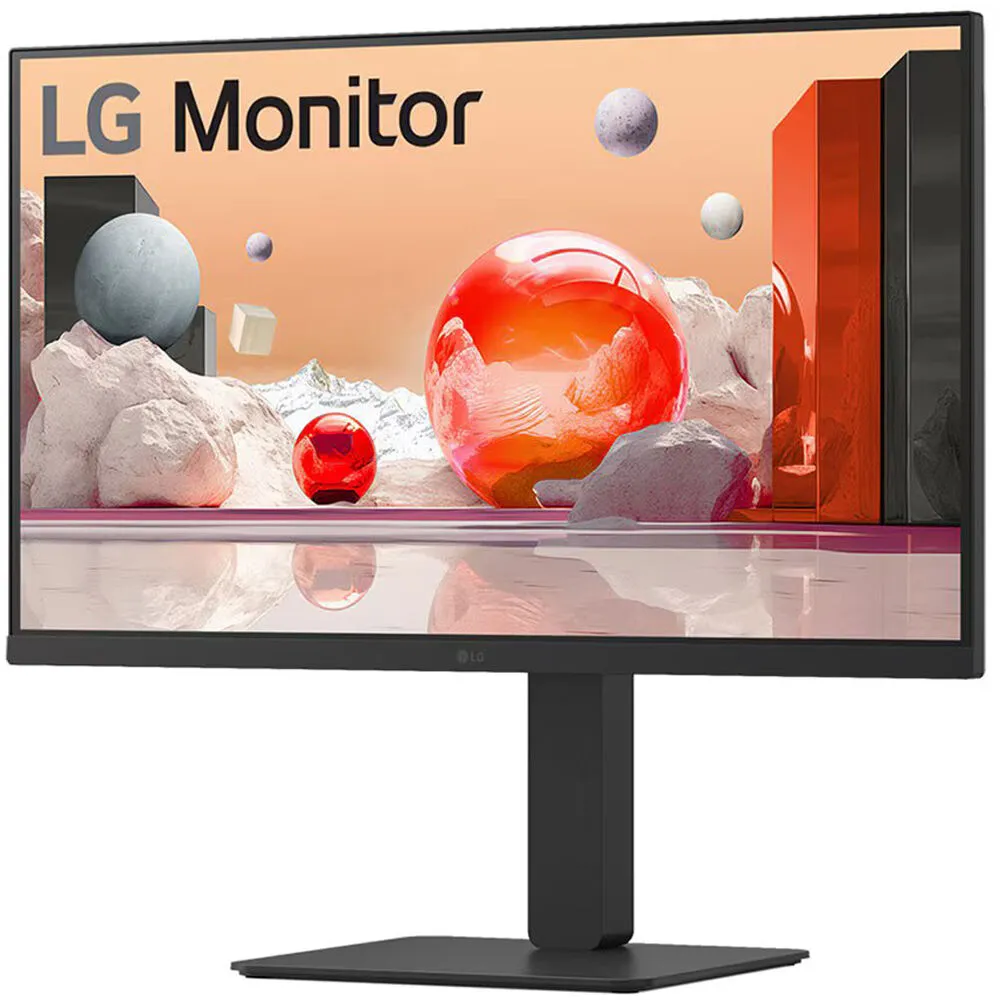
Enhance your productivity with the LG 27BA850-B 27" Full HD 100 Hz Video Conferencing Monitor. With extensive connectivity, a built-in webcam, microphone, and speakers, this 1920 x 1080 resolution Full HD display helps…
Product highlights and buying context
Enhance your productivity with the LG 27BA850-B 27" Full HD 100 Hz Video Conferencing Monitor. With extensive connectivity, a built-in webcam, microphone, and speakers, this 1920 x 1080 resolution Full HD display helps you to collaborate with teammates.
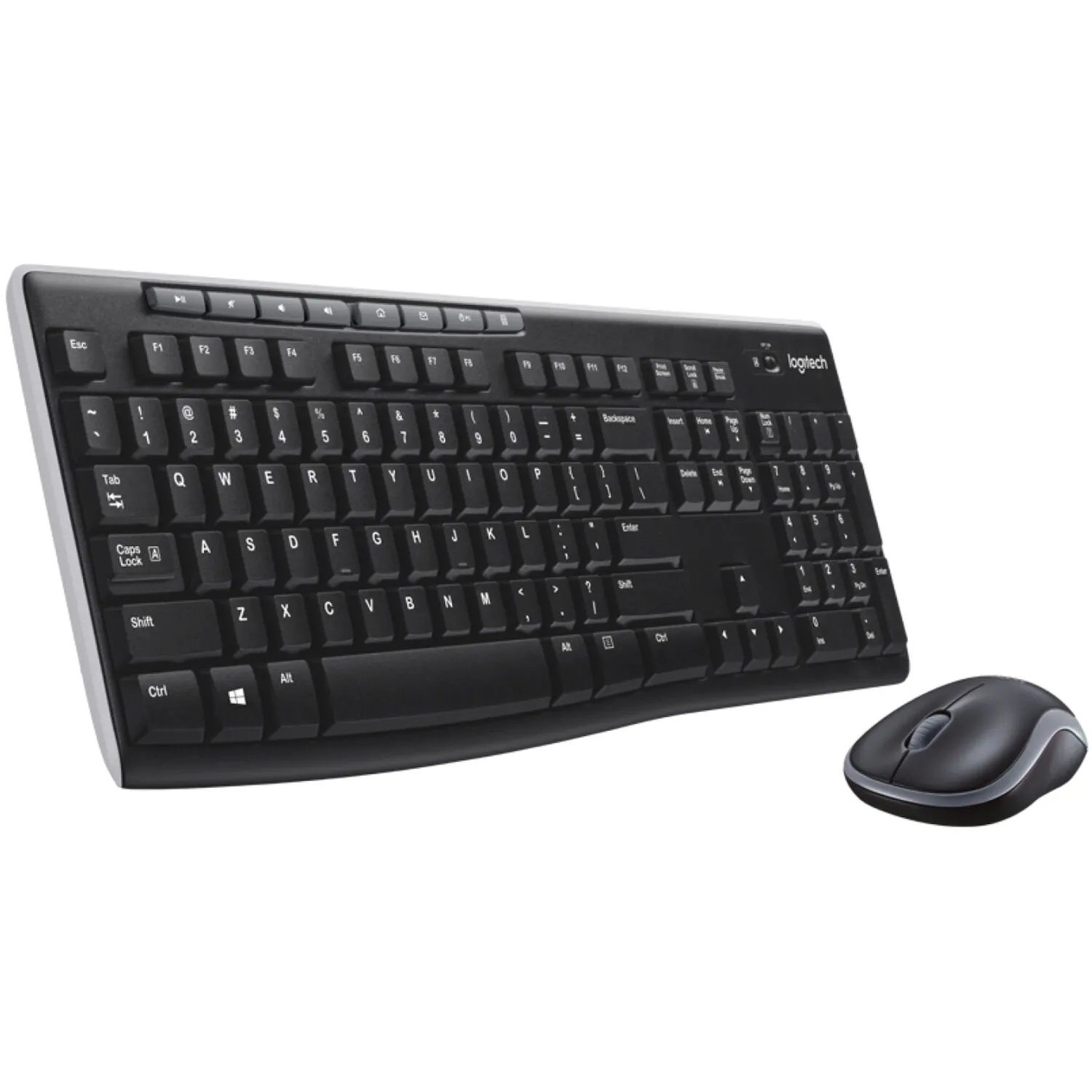
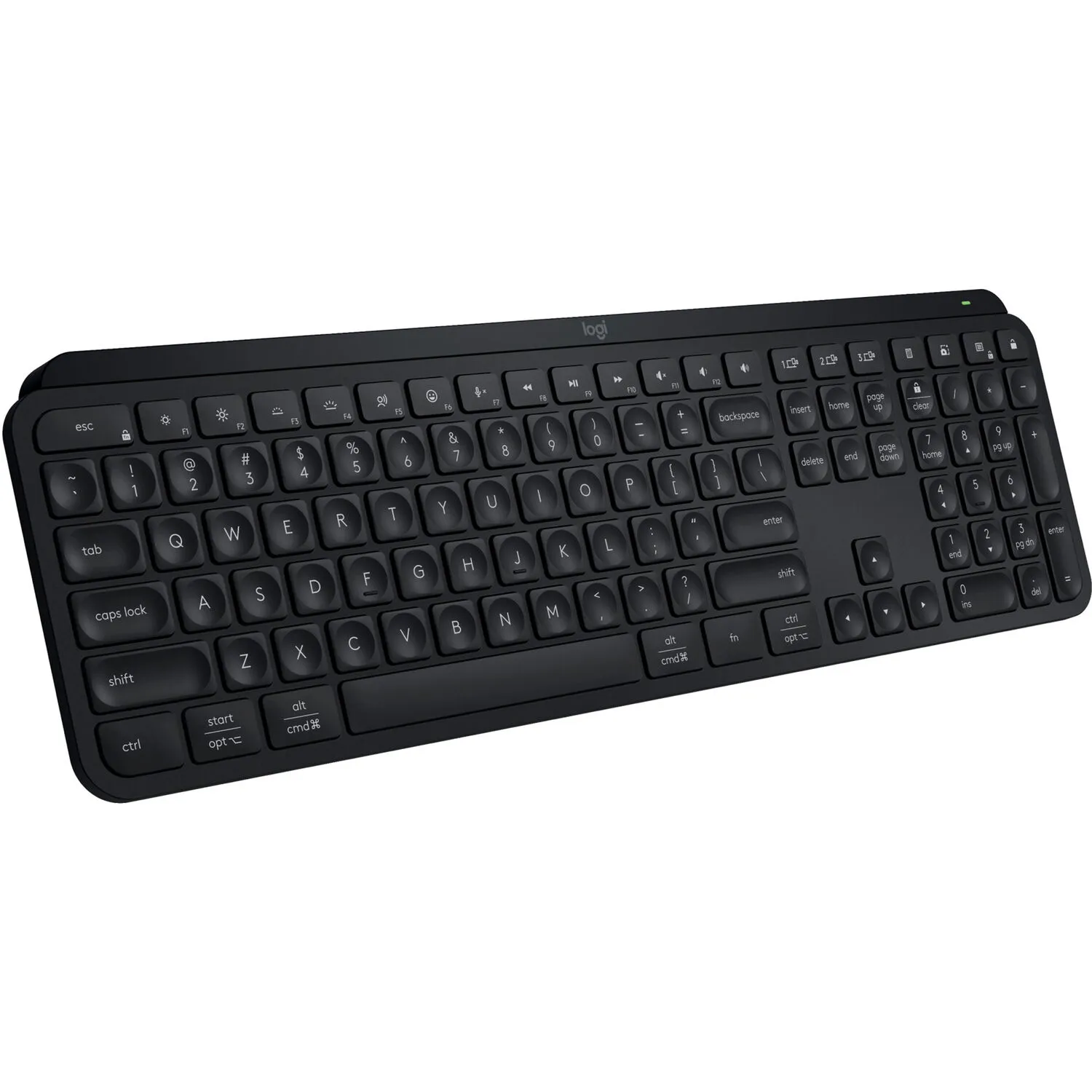
Supporting a 100 Hz refresh rate with a 5 ms response time, this display reduces motion blur for smooth visuals while watching videos and quickly scrolling through text. Connect a DisplayPort in Alt mode compatible laptop to the USB-C port to transfer video, data, and up to 90W of power over a single cable. An HDMI 2.0 port is also available alongside one DisplayPort 1.4 input. The built-in 4-port USB-A 3.1 Gen 1 Hub allows you to connect up to 5 Gb/s compatible flash drives and other peripherals through the monitor. KVM functionality lets you control up to two connected devices with a single mouse and keyboard.
Participate in video calls at a moment's notice with the built-in pop-up Full HD webcam, microphone, and 2W stereo speakers. Connect a headset to the 3.5mm audio jack for added privacy. The webcam may be pressed back down into the monitor when it isn't in use.
In addition to featuring DisplayPort, HDMI, and USB-C inputs, you can connect a variety of devices and peripherals to the four USB-A 3.1 Gen 1 ports. The RJ45 port allows you to connect directly to compatible wired networks.
Daisy chain a second LG 27BA850-B monitor using the DisplayPort out port.
Optimize your monitor with the LG Switch app, which lets you divide the display into six areas, manage the schedules, or launch a video call platform with a mapped hotkey.
Rotate the screen 90° in either direction to view content in portrait mode. You can also adjust the height, tilt, and swivel to match your comfort. The 178° viewing angles allow you to see the screen clearly from almost any position. Additionally, the compact stand helps to maximize your desktop space.
A reader mode adjusts color temperature and luminance to help make reading easy. Flicker Safe technology reduces invisible flickering on the screen, and it helps to provide a comfortable working environment for a long time.
Additional Details
Loading…