Authorized Dealer
Set up your conference room with a multi-camera system using the Crew AI Multi-Camera Conference Room System from Huddly. The system includes three L1 AU collaboration cameras, three camera wall/shelf mounts, a USB…
Product highlights and buying context
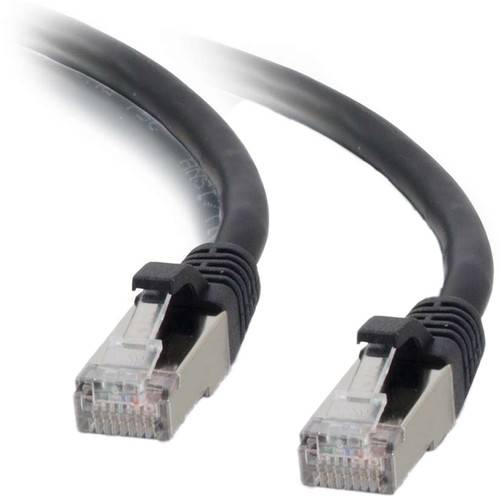
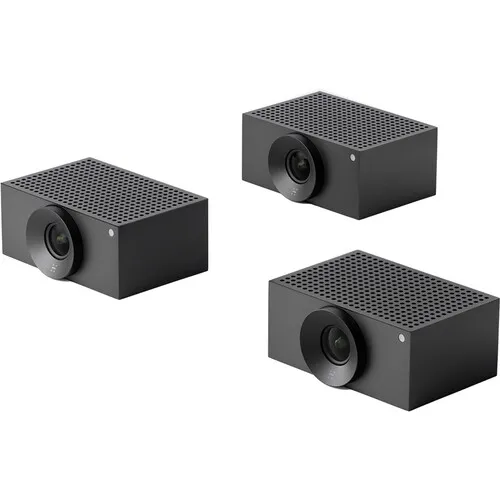
Set up your conference room with a multi-camera system using the Crew AI Multi-Camera Conference Room System from Huddly. The system includes three L1 AU collaboration cameras, three camera wall/shelf mounts, a USB adapter, USB cables, an Ethernet switch, Ethernet cables, and power adapters.
The L1 is a compact camera that provides smart camera capture in large and medium meeting rooms for streaming to applications like Teams. It captures up to 1080 video and all three cameras can be controlled via the Huddly Director app using AI, capturing different shot types, speaker focus, and reactions around the room.
The L1 AI Collaboration Camera from Huddly is a collaboration camera that delivers smart user experiences in large and medium meeting rooms. Designed to make video meetings inclusive and productive for the whole team, it provides instant, responsive framing and Full HD video of everyone in the room. The Huddly L1 is compact and unobtrusive, with no moving mechanical parts.
The Huddly L1 captures everyone in sharp quality, thanks to a large image sensor and a custom lens. This makes it easier for remote participants to see everyone's face clearly and to pick up on non-verbal cues, even from those at the far end of the table.
The Huddly L1 uses AI to automatically frame participants. It does this smoothly and responsively, without distracting moving parts. The L1 retains an overview of the entire room whilst displaying the zoomed image. This means that when people enter, leave or move about, the L1 instantly adjusts the frame.
The Huddly L1's neural engine has been trained and optimized to detect the people in large and medium meeting rooms. The camera is able to retain an overview of the entire room, even while zoomed in, allowing it to capture data such as meeting room usage, occupancy, and people count.
With a Power-over-Ethernet (PoE) connection, installation is reliable and flexible in regards to cable length. The camera can be placed on top of a screen, directly on the wall, or on other surfaces.
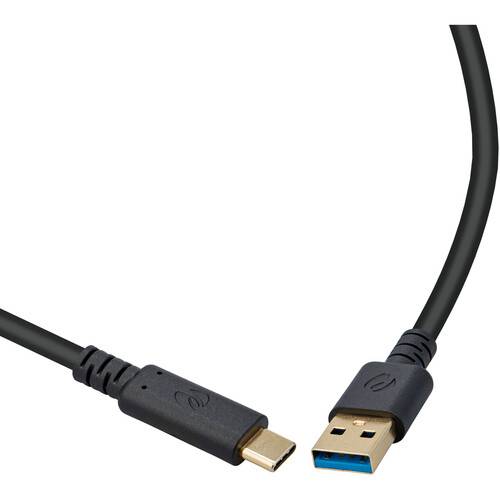
The Huddly USB Adapter allows you to connect a host device of your choice to your Huddly L1 camera for plug-and-play control of your meeting room. The adapter connects to your camera using the RJ45 Ethernet port and can even accept PoE power from the camera's power source. Use the USB-C cable and corresponding port to connect to your room management device of choice, whether that be your PC or a tablet controller. Windows, macOS, and ChromeOS systems are compatible with the adapter.
Additional Details
Loading…