Authorized Dealer
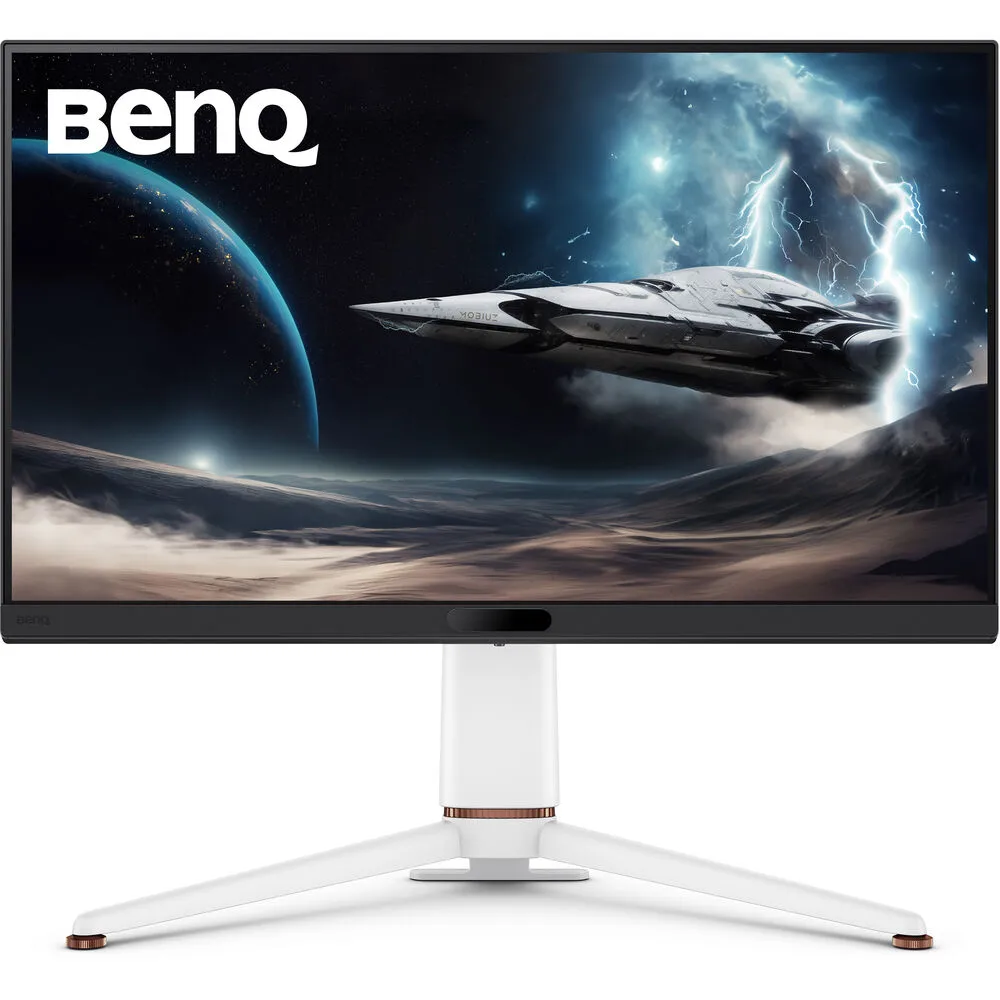
Reduce desktop clutter and focus on your games and movies with the white MOBIUZ EX271U 27" 4K HDR 144 Hz Gaming Monitor from BenQ. Featuring a 3840 x 2160 native resolution with a 144 Hz refresh rate, this gaming brings…
Product highlights and buying context
Reduce desktop clutter and focus on your games and movies with the white MOBIUZ EX271U 27" 4K HDR 144 Hz Gaming Monitor from BenQ. Featuring a 3840 x 2160 native resolution with a 144 Hz refresh rate, this gaming brings your entertainment to life with smooth visuals.
Support for 10-bit 1.07 billion colors with 98% coverage of the DCI-P3 color gamut and VESA DisplayHDR 600 certified HDR delivers cinematic visuals. FreeSync Premium Pro technology synchronizes the display's refresh rate to the frame rate of the graphics card to greatly reduce or eliminate stuttering screen tearing during gaming and video playback. Connect your device through the DisplayPort 1.4 and dual full-bandwidth HDMI 2.1 ports. You can also use the USB-C connector to transfer video, data, and up to 65W of power to compatible laptops over a single cable. Plugging your favorite headphones into the 3.5mm audio jack provides listening privacy. A built-in USB 3.1 Gen 1 hub allows you to connected peripherals such as a mouse, keyboard, and up to 5 Gb/s flash drive through the monitor. Using the KVM allows you to switch control between two devices using a single mouse and keyboard. Use the included remote control to adjust the screen settings from the comfort of your couch.
With a 165 Hz refresh rate, 1 ms response time, and AMD FreeSync Premium Pro technology provides smooth visuals without screen tearing or stuttering.
HDRi, fine-tuned by BenQ color experts, auto-optimizes color tone and detail. It improves contrast through color saturation and by auto-adapting to ambient light for a unique MOBIUZ gaming experience.
This monitor supports a 400 nits brightness and a 1000:1 static contrast ratio. The Light Tuner feature provides subtler light and shadow while Black eQualizer reclaims details from improperly displayed dark sections.
Optimize your view by adjusting the height, tilt, and swivel. With 178° vertical and horizontal viewing angles, you can see the screen clearly from almost any position.
Additional Details
Loading…