
Authorized Dealer
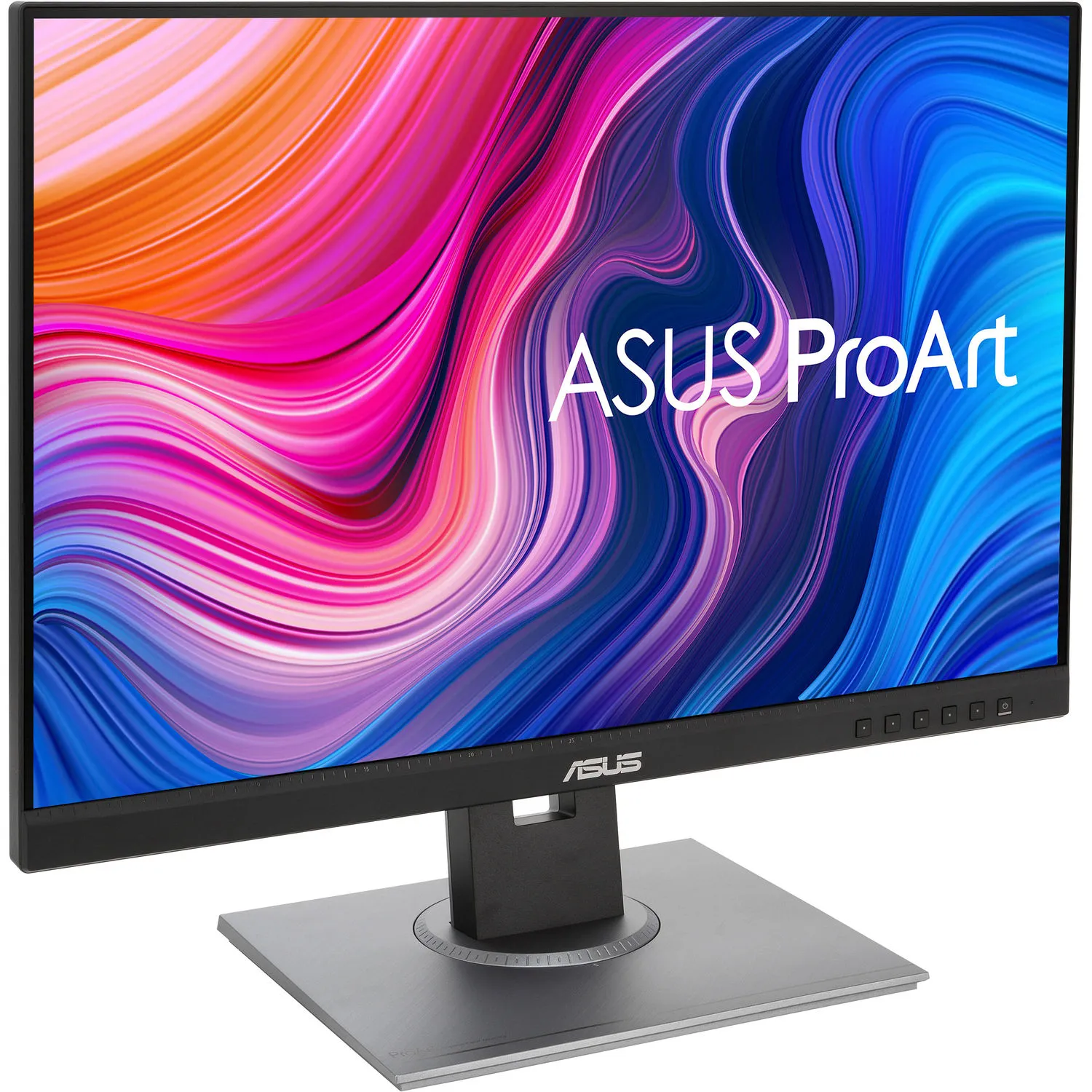
The ProArt Display PA278QV 27" 1440p Monitor from ASUS is designed for creative professionals and provides them with the tools they need for color-sensitive work. It's factory calibrated and Calman-certified with a…
Product highlights and buying context
The ProArt Display PA278QV 27" 1440p Monitor from ASUS is designed for creative professionals and provides them with the tools they need for color-sensitive work. It's factory calibrated and Calman-certified with a delta E color accuracy rating of less than two and covers 100% of the sRGB and Rec. 709 color spaces. Furthermore, it's built with an IPS (In-Plane Switching) panel for vivid colors, a QHD 2560 x 1440 resolution, a 75 Hz refresh rate, Adaptive-Sync technology, 350 nits brightness, a 1000:1 static contrast ratio, a 5 ms (GtG) response time, and wide 178° viewing angles. Connectivity options include HDMI 1.4, mini DisplayPort, DisplayPort 1.2, and DVI-D. A built-in USB-A 3.2 Gen 1 hub also lets users easily plug-in USB devices and peripherals for quick access.
Please note that the included accessories vary by region. Also, the monitor's USB-B port must be connected to your host system in order to enable the USB-A ports.
The ProArt display delivers 100% sRGB and 100% Rec. 709 color gamut coverage for rich, vivid reproduction that ensures every detail of your photos is clear and lifelike.
Revel in pure, expressive hues thanks to accurate, true-to-life color reproduction. ProArt displays achieve ¿E < 2, so your images are accurately reproduced on screen, allowing you to see exactly how your work is going to look when it's finished.
Color professionals rely on color accurate displays to ensure that their creations look exactly as intended. The ProArt PA278QV is factory calibrated and Calman Verified to guarantee color accuracy. Every ProArt display undergoes stringent, meticulous testing to ensure smoother color gradation. Consumer or pro, you're assured color-accurate viewing and content-creation experiences.
The ASUS-exclusive ProArt Preset provides multiple modes for quick color-gamut adjustment. Whether you're color grading, video editing or manipulating photos, you can switch and match your needs easily.
The ASUS ProArt Palette lets you customize your display via a wide range of parameters, including color hue, temperature, and gamma adjustments: all easily accessed via intuitive on-screen menus. There are also two-point grayscale sliders for all six colors, providing greater color adjustment flexibility than many competing monitors. ProArt Palette empowers you to produce quickly and consistently, and makes it easy to keep your color management in check.
The ProArt Display PA278QV offers rich connectivity with DisplayPort 1.2, Mini DisplayPort, DVI-D, and HDMI 1.4 ports and a built-in USB hub, so it's easy to hook up to a wide variety of devices and enjoy ultrafast transfer speeds with external storage, catering to every content-creation demand.
Save time and work smarter with ASUS QuickFit Virtual Scale. This clever feature overlays a grid on the screen that allows to align and preview documents in their actual sizes prior to printing.
ASUS Ultra-Low Blue Light technology protects you from blue-light emissions that may be harmful to your vision. It offers four blue-light filter settings that are easily accessed through the on-screen menu via the hotkey.
ASUS Flicker-Free technology provides a more comfortable viewing experience and work environment by reducing on-screen flicker to minimize eye strain, headaches, and eye fatigue when you spend long hours in front of the display.
With an ergonomically-designed stand with tilt, swivel, pivot, and height adjustments, ProArt displays provide comfortable viewing and usage experiences. The ability to pivot the screen clockwise or counterclockwise 90° for use in portrait mode comes in handy when working with long documents, coding, or website browsing. Furthermore, the quick-release stand makes it easy to attach the display via the integrated VESA wall mount, without any screws, so it's done quickly.
Additional Details
Loading…
